
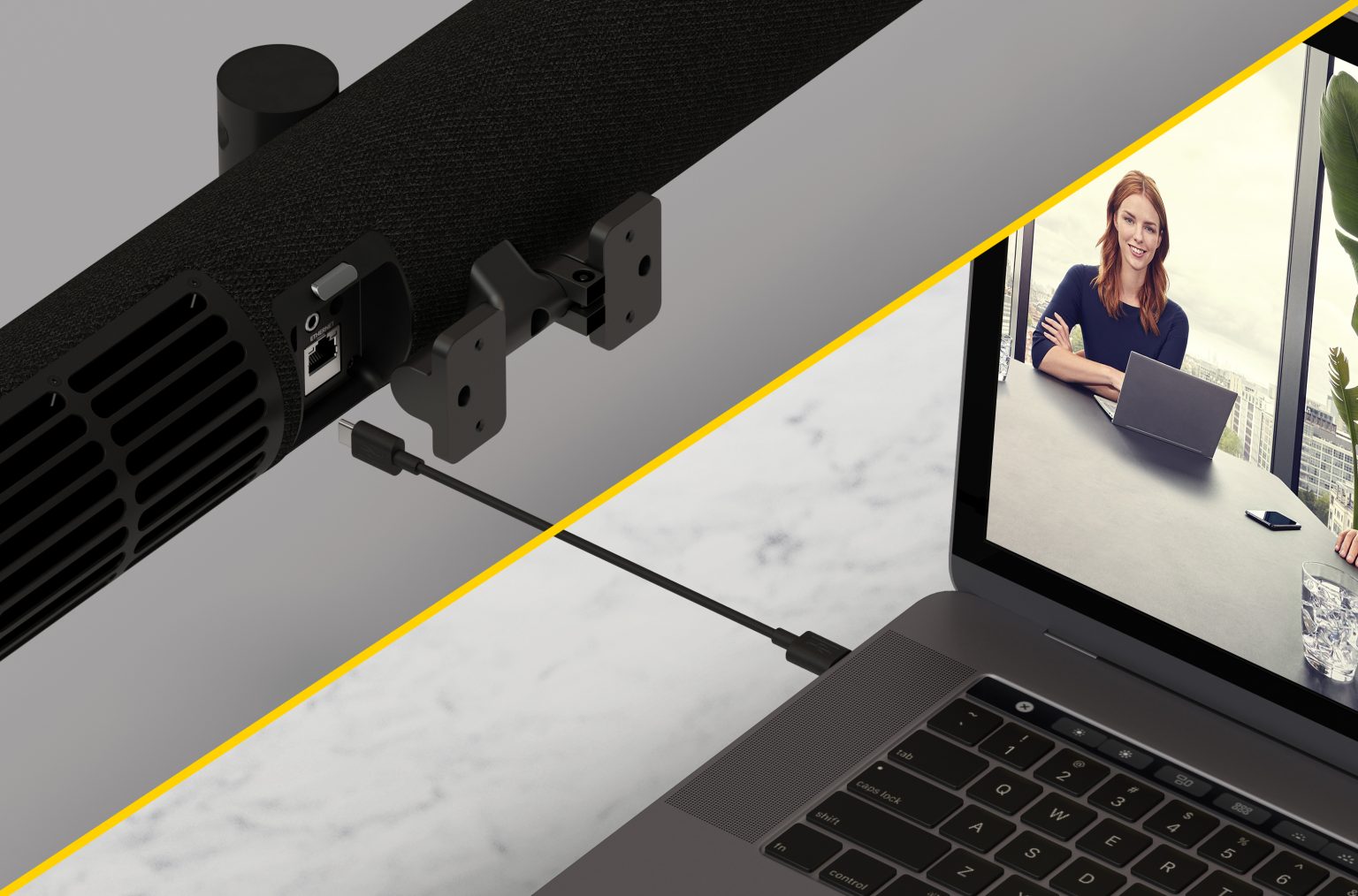
Video conferencing has become the backbone of modern communication when it comes to working environments. Whether connecting remote teams, hosting client presentations, or fostering seamless collaboration, businesses depend on high-quality video conferencing rooms to deliver professional, distraction-free meetings. But setting up a video conferencing room that’s reliable, scalable, and future-proof requires more than just picking out a webcam and a speaker.
At Rova Unify, we specialize in helping businesses design and implement video conferencing solutions that stand the test of time. From ensuring equipment compatibility to optimizing acoustics and layout, we help you create a space where every meeting feels smooth and productive.
Let’s review some key considerations for setting up a future-proof video conferencing room while leveraging the latest technology from trusted partners like NEAT, Jabra, Poly, Logitech, Yealink, and EPOS.
- Assess Your Space and Layout
The first step in creating an effective video conferencing room is understanding the size, purpose, and layout of the space. Are you designing a small huddle room for quick team check-ins, or a large conference room for executive meetings? The layout must cater to the room’s intended use and accommodate seating arrangements, sightlines, and technology placement.
Key Considerations:
- Camera Placement: Position cameras at eye level to ensure natural, face-to-face interaction.
- Screen Size and Position: Choose screens that match the room size—a display that’s too small can make remote participants hard to see, while oversized screens can overwhelm smaller rooms.
- Furniture: Choose ergonomic seating and flexible furniture arrangements that support both in-person and remote attendees.

- Prioritize Equipment Compatibility
Technology changes rapidly, so your video conferencing setup must accommodate future advancements. Choose hardware and software that are compatible with popular platforms like Microsoft Teams, Zoom, and Google Meet, while offering flexibility for upgrades.
Key Considerations:
- Unified Systems: Choose video conferencing solutions that combine cameras, microphones, and speakers into a single unit for streamlined connectivity.
- Platform Agnostic: Ensure your equipment works across multiple platforms and integrates easily with your organization’s preferred conferencing software.
- Scalability: Invest in solutions that can scale with your business’s growth, whether you add new meeting rooms or upgrade to advanced technology.
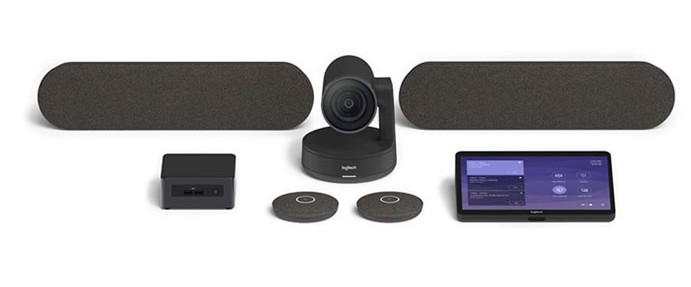
- Focus on High-Quality Audio and Acoustics
Clear audio is essential for productive meetings. Poor sound quality, echo, or background noise can derail communication and frustrate participants. To future-proof your video conferencing room, prioritize audio solutions that ensure clear sound.
Key Considerations:
- Microphone Placement: Ceiling microphones, table mics, or beamforming technology help capture voices evenly across the room.
- Noise Cancellation: Invest in devices with noise cancellation to filter out distractions like HVAC systems or background chatter.
- Room Acoustics: Use acoustic panels, carpeted flooring, or curtains to minimize echo and sound reverberation.
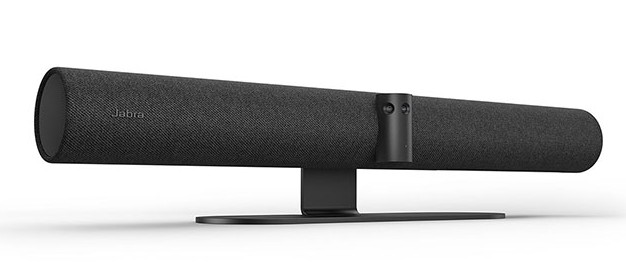
- Optimize Video Quality
For a video conferencing room to be future-proof, it needs to have exceptional video quality. High-definition cameras with advanced features like auto-framing and tracking help deliver a professional meeting experience.
Key Considerations:
- Resolution: Choose cameras with at least 1080p HD resolution or higher for sharp, detailed visuals.
- Auto-Framing: Cameras with auto-framing and speaker-tracking features adjust focus dynamically, keeping the speaker centered on screen.
- Lighting: Proper lighting eliminates shadows and enhances video quality. Integrate LED lighting systems or optimize natural light for the best results.
- Simplify the User Experience
Ease of use is often overlooked but critical for any video conferencing setup. A future-proof room should enable anyone—regardless of technical expertise—to start a meeting with minimal hassle.
Key Considerations:
- One-Touch Start: Choose systems that allow meetings to launch with a single touch or voice command.
- Wireless Connectivity: Reduce cable clutter with wireless presentation and connectivity options.
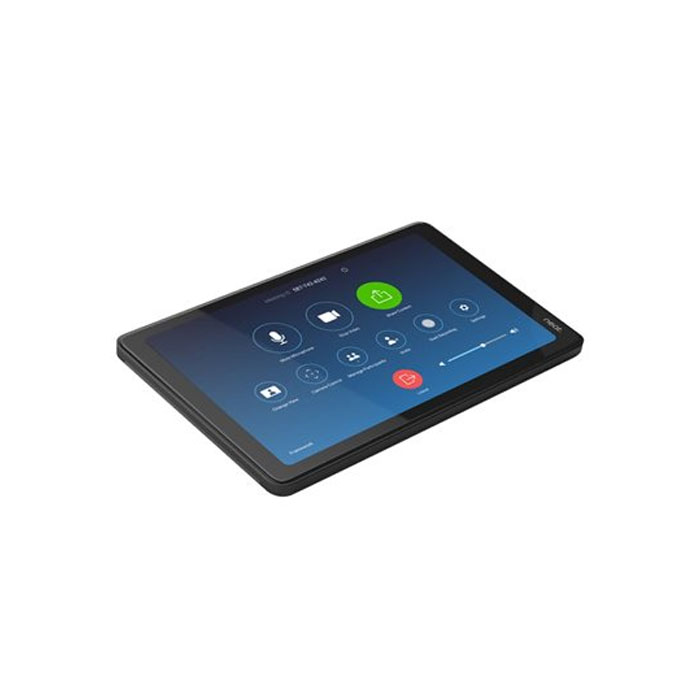
- Centralized Control: Implement control panels or touch interfaces to manage cameras, audio, and displays effortlessly.
- Plan for Future Upgrades
Technology evolves rapidly, so your video conferencing room must be built with flexibility in mind. Invest in solutions that can be upgraded over time to accommodate new software features, hardware innovations, or changing business needs.
Key Considerations:
- Modular Systems: Choose equipment that allows for easy component upgrades.
- Software Updates: Select devices with regular firmware and software updates to stay ahead of the curve.
- Room Analytics: Leverage analytics tools to monitor room usage and identify opportunities for improvement.
Partnering for the Future with Rova Unify
At Rova Unify, we take the guesswork out of setting up future-proof video conferencing rooms. As a trusted AV integrator, we partner with leading brands to provide businesses with scalable, innovative solutions that are ready for tomorrow’s challenges. From concept to execution, our team ensures your video conferencing setup enhances collaboration, improves efficiency, and grows alongside your business.
Designing a future-proof video conferencing room is about more than choosing the right camera or microphone—it’s about creating an environment that supports seamless, professional communication for years to come.
Ready to future-proof your video conferencing rooms?
Partner with Rova Unify for expert advice, tailored solutions, and top-tier technology that helps you better connect your people to your business.