
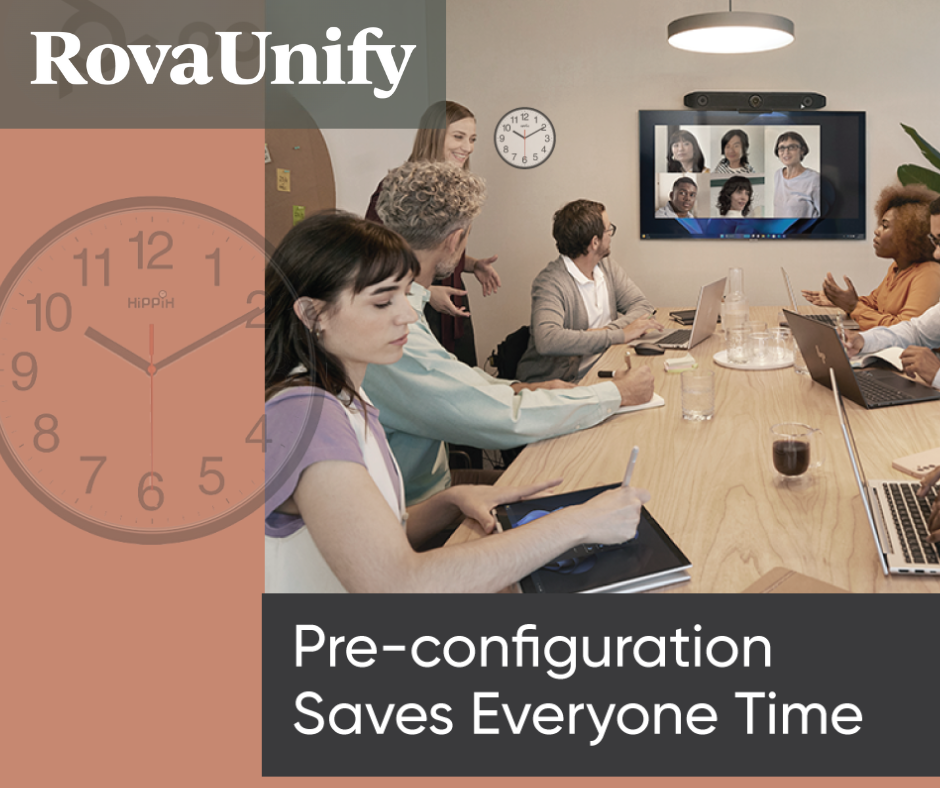
As technology transforms business, seamless communication is more essential than ever – turning video conferencing from a luxury into a necessity. What once started as grainy, low-resolution video calls has evolved into an immersive collaboration experience, redefining how organizations connect, collaborate, and operate. As technology advances, businesses must stay ahead of the curve to remain competitive. With solutions from industry leaders like HP/Poly, Jabra, NEAT, and Logitech, Rova Unify ensures that commercial clients have access to the most advanced video conferencing technology available.
We’ve all been there – gathered around a conference table, ready to dive into a meeting, only to spend the first ten (or more) minutes fiddling with displays, adjusting microphones, or figuring out which cable to use. It’s frustrating, awkward, and worst of all, it’s a huge, timewaster. No one would disagree that the first few minutes of a meeting should be about ideas and alignment – not tech support.
So, let’s delve into what pre-configuration entails and why it is a key principle of any meeting that can save everyone time.
The Cost of Disrupted Meetings
According to a report by Barco, a global leader in professional visualization and collaboration tech, nearly 71% of employees say they still struggle with joining and navigating hybrid meetings. A related study also noted that an average of 15% of meeting time is spent setting up troublesome technology. For companies that host multiple meetings a day, that’s hours of lost productivity each week which could be spent making decisions, innovating, or simply getting home on time.
When meetings start late or with disruptions, momentum is lost. Focus shifts from strategy to screen sharing. Energy drops and the tone of the entire session can take a nosedive.
By integrating streamlined systems and deploying pre-configured meeting room environments, AV integrators like Rova Unify can help companies avoid delays, reduce friction, and empower teams to hit the ground running.

Smart Configuration Makes for a Seamless Experience
At the heart of this approach is simplicity, meaning designing systems that work – so you don’t have to think about them. When everything is pre-set, connected, and tested, there’s no guesswork involved, no scrambling and no calling IT in a panic.
Here are some best practices as to how you can set your own spaces up for success:
- Pre-Configure Room Profiles
Each room should have its own digital identity. That means creating room-specific configurations where all devices – from displays to cameras to speakers – are synchronized, calibrated, and connected.
Using room profiles, you can:
- Pair devices automatically upon entry.
- Pre-adjust lighting, audio levels, and screen resolution.
- Ensure network settings are optimized and secure.
With these presets in place, any team member can walk into the space and launch a meeting with confidence and with no setup needed.
- Use Zero-Touch Provisioning
Modern meeting room devices, from interactive displays to video conferencing systems, often support zero-touch provisioning. This feature allows devices to self-configure and update upon startup, pulling settings from the cloud or a central server.
Why it matters:
- IT teams don’t need to manually set up each unit.
- Firmware and security patches can be deployed instantly.
- Devices can be replaced or scaled with minimal effort.
Zero-touch provisioning ensures that every piece of equipment is always up to date and ready to go, without lifting a finger. It’s particularly useful for large offices or organizations managing multiple locations.
- Develop Quick-Reference Guides
Even with the best setup, occasional hiccups happen. When they do, the goal is to resolve them fast. That’s where concise cheat sheets or quick-reference guides become useful.
These guides should cover:
- Common technical issues and their fixes (e.g., no sound, camera not detected)
- How to reboot or reset devices
- Contact info for IT support (if needed)
Some companies place laminated guides in each room or link them via QR codes posted near the tech console. Staff will feel empowered, and meetings will get back on track faster.

Start Strong, Every Time with Rova Unify
By optimizing your meeting rooms with pre-configuration, zero-touch tech, and practical support materials, you set your team up for success.
At Rova Unify, we’ve seen how these small changes make a big difference. Meetings start on time. Energy stays high, and teams walk out feeling focused, not frazzled.
If you’re ready to reclaim your meeting time, streamline your spaces, and remove tech headaches, ensure that you have the right partner and configure your meeting rooms with video conferencing equipment that integrates seamlessly into your environment.
Contact us today to explore the latest in video conferencing technology and transform the way your team connects.